3D Model Resources

Creating 3D models for augmented reality (AR) involves various methods and tools, depending on your specific needs and the platform you’re targeting. Here’s an overview of different options and how to create 3D models for AR:

3D Model Creation Options

1. 3D Modeling Software:

  • Professional Tools: Software like Blender, Autodesk Maya, and Cinema 4D are powerful tools used by seasoned 3D developers to create detailed 3D models.
  • Simplified Tools: TinkerCAD and SketchUp are more accessible for beginners, offering a simplified interface for creating 3D models.

2. File Formats:

  • GLTF (GL Transmission Format): This is a popular file format for 3D models in AR. It’s efficient, supports animations, and is widely used in AR development.
  • USDZ (Universal Scene Description): Developed by Pixar and supported by Apple, USDZ is a widely used file format for 3D models and animations in the context of augmented reality, particularly on iOS platforms.

3. Photogrammetry:

  • RealityCapture, Agisoft Metashape: Photogrammetry involves creating 3D models from a series of 2D images. Tools like RealityCapture and Agisoft Metashape use image-based modeling to reconstruct a 3D scene.

5. 3D Scanning:

  • Structure Sensor, Photoneo: 3D scanning involves capturing the geometry of real-world objects. Devices like the Structure Sensor and software like Photoneo facilitate this process.

6. Online 3D Model Libraries:

  • Sketchfab, TurboSquid: You can find pre-made 3D models on platforms like Sketchfab and TurboSquid. Ensure that models are in GLTF and/or USDZ formats.

Steps to Create 3D Models for AR:

1. Define Your Project:

  • Understand the requirements of your AR project, including the type of models needed and the platform you’ll be targeting.

2. Choose a 3D Modeling Tool:

  • Select a 3D modeling tool based on your skill level and project complexity.

3. Create or Import Models:

  • Develop models from scratch or import existing ones.

4. Optimize for AR:

  • Optimize your models for real-time rendering and mobile performance. Consider reducing polygon count and texture sizes.

5. Export in Compatible Formats:

  • Export your models in GLTF and/or USDZ formats.

6. Integrate into AR Display plugins:

7. Testing and Iteration:

  • Test your AR application on compatible devices to ensure that the models appear and behave as expected. Iterate as needed.

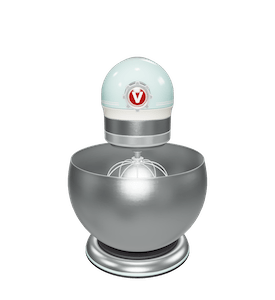
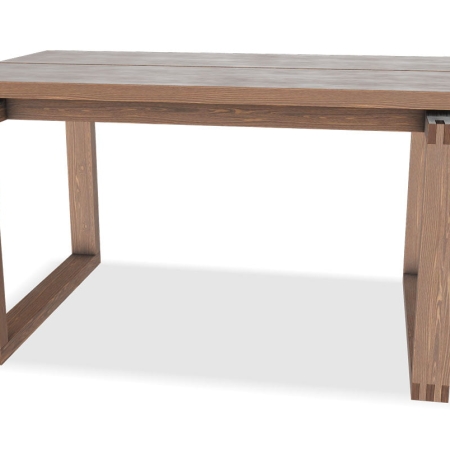
3D Model Examples

Dimensions:
Dimensions:
Dimensions:
Dimensions:

3D Model Resources

If you wish to supply or create your own 3D Models then there are many options and tutorials out there to help you do so. Files should be supplied in GLB or GLTF for Android support and USDZ format for iOS support.

3D models can be generated using 3D software and 3D scanning apps and ready built 3D models can be found from numerous online 3D libraries.

The iPhone 12 Pro and iPad Pro now come with a Lidar scanner built into their camera’s which allow for greater 3D depth analysis and the ability to take a series of photos or video of your object and it generates the 3D model for you.
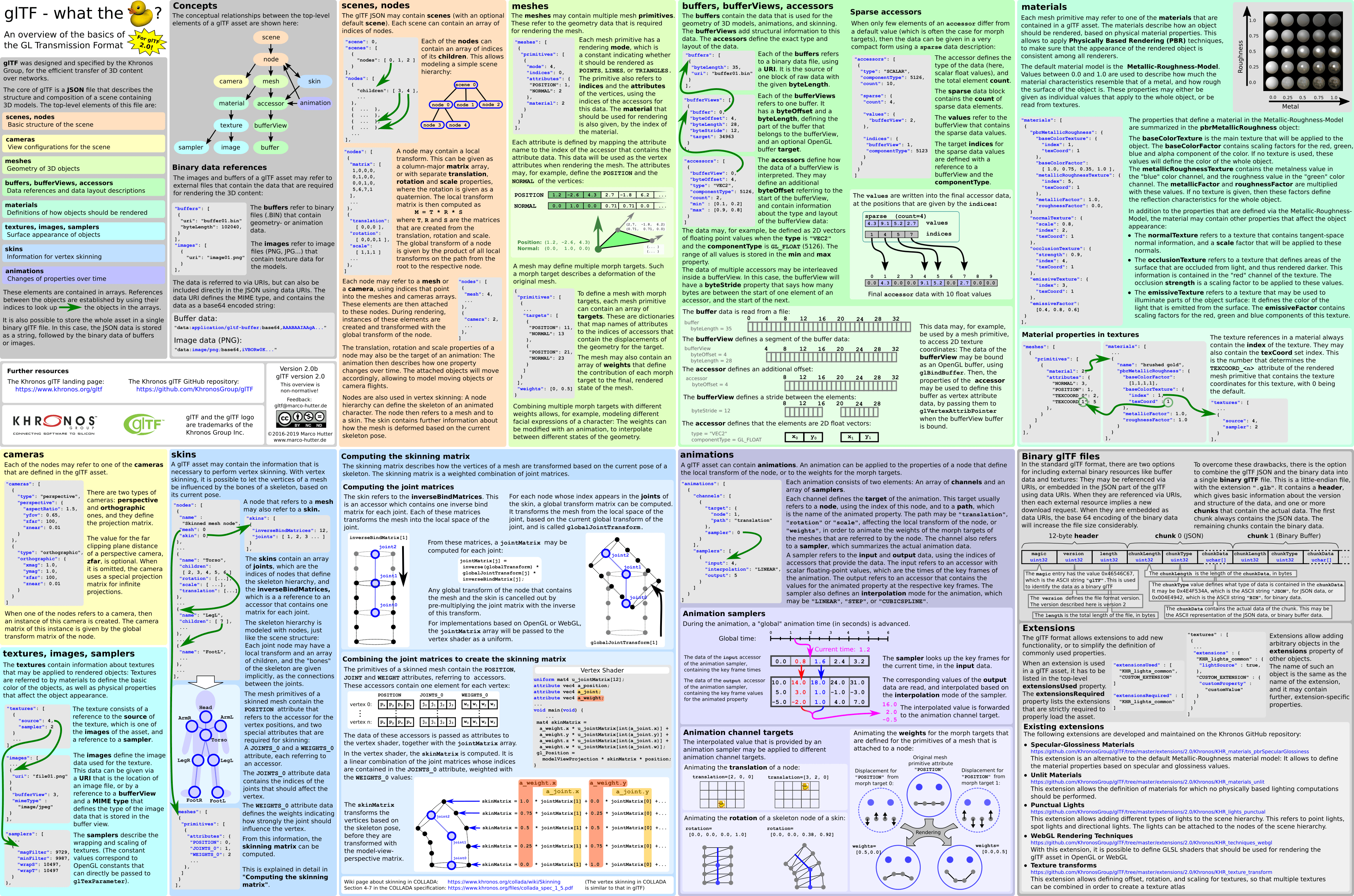
GLTF File Format Overview

Sample Files

Download these sample 3D models to trial the plugins on your site.
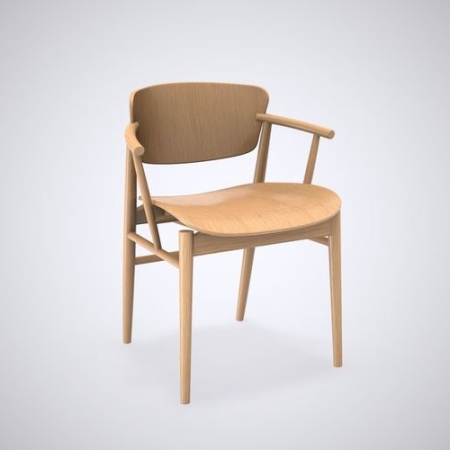
 

3D Software and Sites

If you would like to supply your own models we have found that Blender and SketchUp which are both available for free are great and easy to learn options for users just getting into 3D modelling. Below you will find a list of useful Apps and 3D modelling sites.

Convert Your 3D Models to GLB & USDZ

3d Models need to be supplied in GLB or GLTF, and USDZ formats. If you need to convert your 3d models from another format to GLB, GLTF and USDZ you can do this for free at:

Source a Model From Online Libraries

Sourcing 3d models of your products can often be done direct from the manufacturer or from online databases containing a large range of models such as the ones below. If you know of a good source of 3D models please let us know so we can add it to the list.

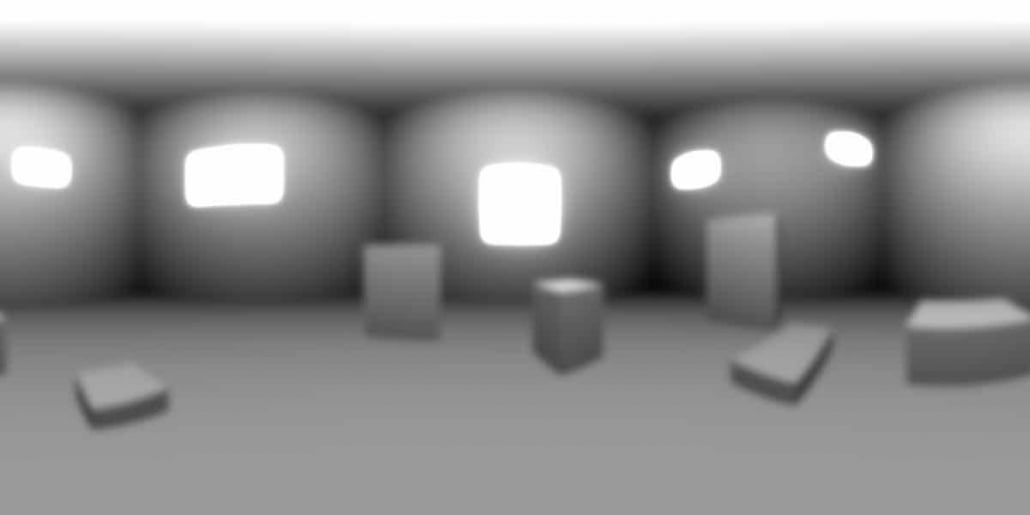
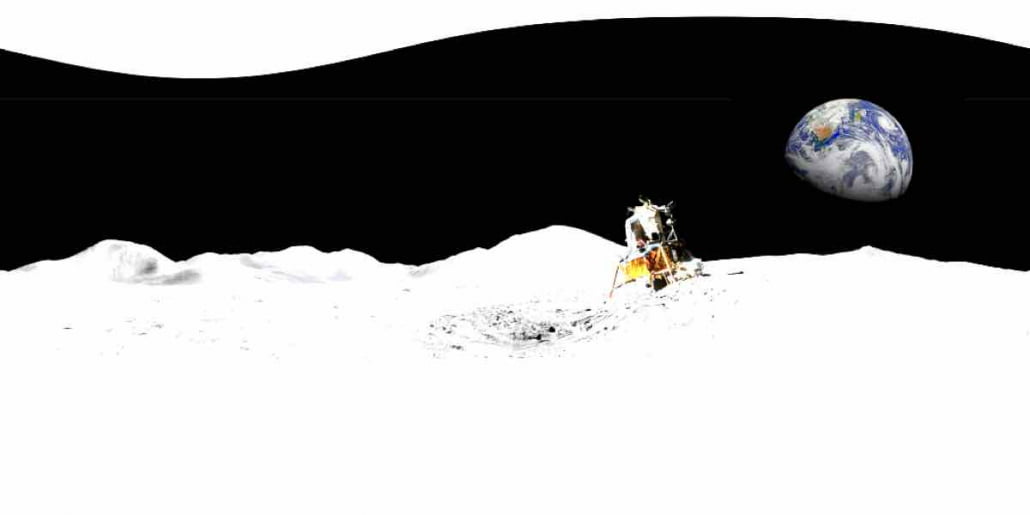
HDR Skybox and Environment Images

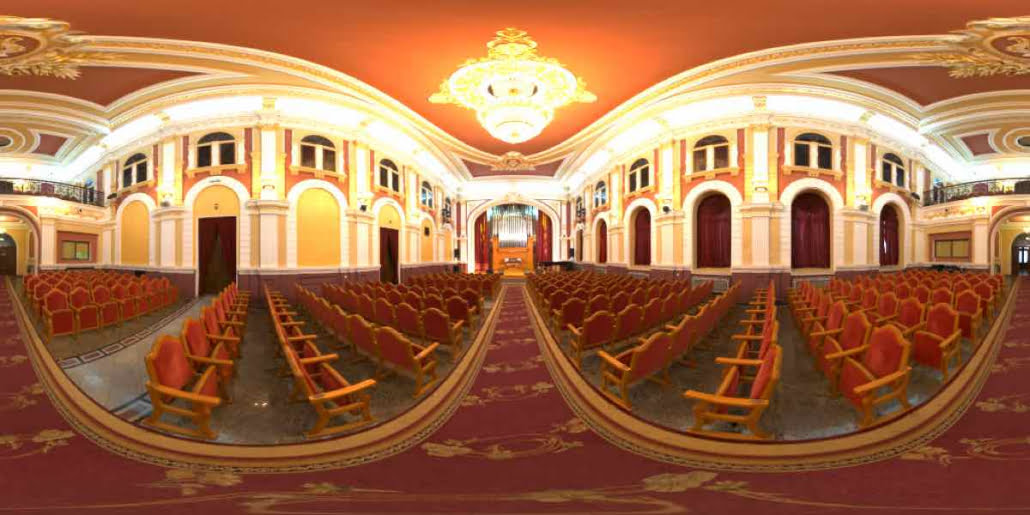
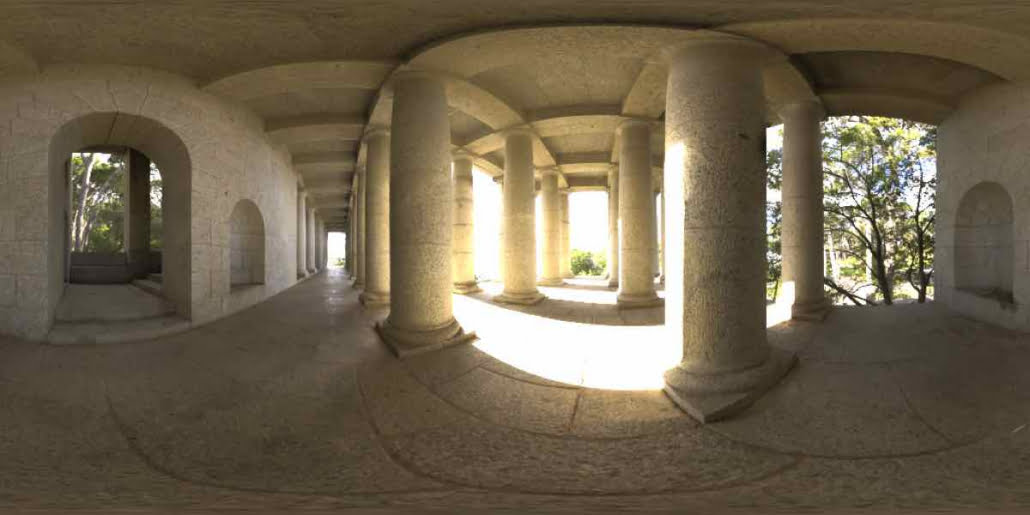
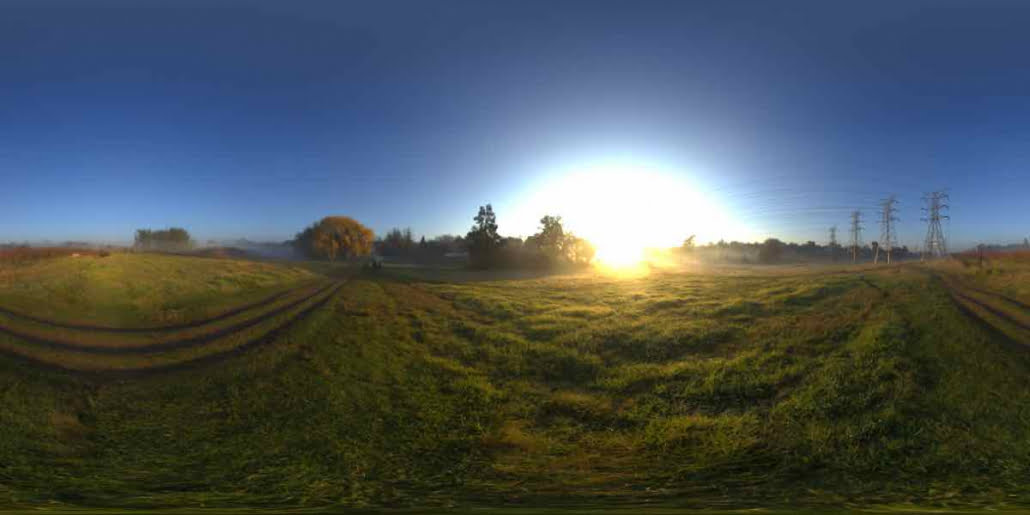
These HDR images can be downloaded here to be used as your Skybox and Environment Images.

Contact Support

Please contact us with your support enquiries and we will endeavour to assist you. Please include details of any issue you may be having and url’s to the page where you are displaying your AR models using the plugins if applicable.

"*" indicates required fields

This field is for validation purposes and should be left unchanged.
Name*
Email*
URL of web page with AR Model displayed on it

Feature Request

If you have any ideas or features you would like to see included in the AR plugins, please get in touch and we would love to explore how we can improve both the user and admin experience of the plugins.

  • This field is for validation purposes and should be left unchanged.